
How to use OneEnv
Everything below is the real product, in the order you'd actually click through it — from logging in to your first shared value going live across services. No step skipped, no screen assumed.
The core idea, in one loop
Every governed change in OneEnv — an env value, a DB column, an API route, a validation rule — moves through the exact same six-step loop. Learn it once and you already know how all four domains work.
From zero to your first governed change
Nine steps, start to finish. Each one ends with what unlocks next, so you always know where you're headed.
Log in — no password to remember
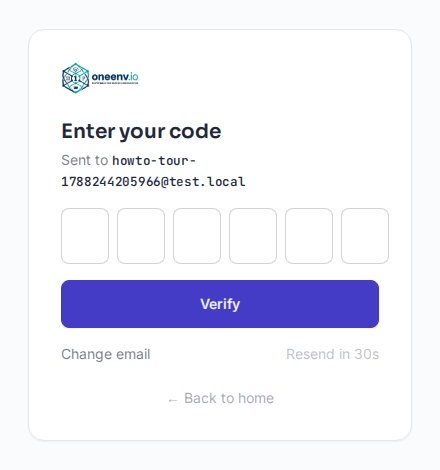
Enter your email on the login page and we send a 6-digit code, valid for a few minutes. Type it in and you're in — no password to create, reset, or leak.
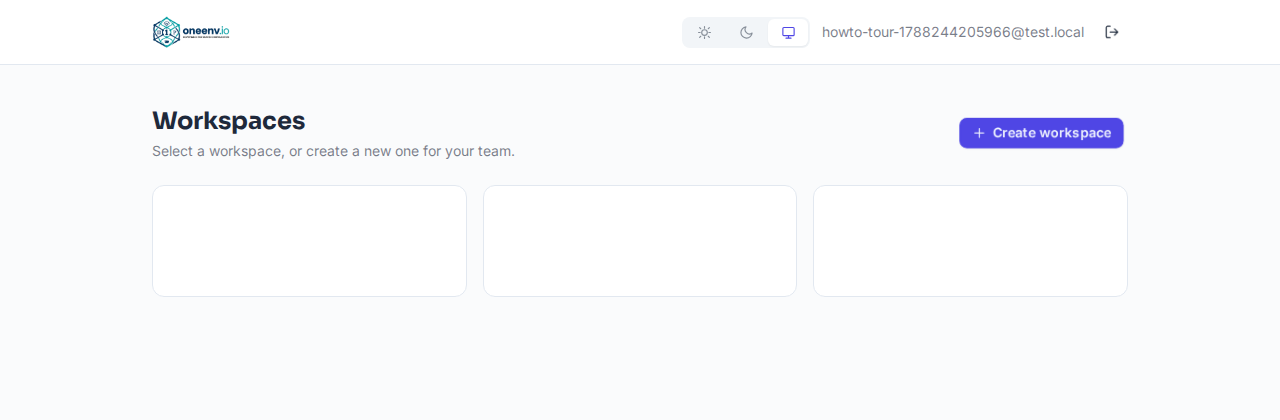
NextYou'll land on your workspace list — empty the first time.
Create a workspace
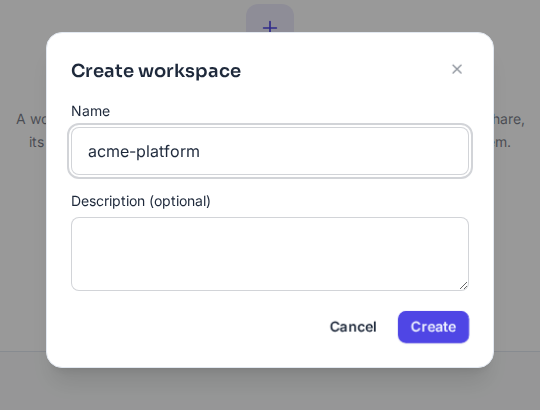
A workspace is the top-level container for one team or product — its services, shared variables, database structure, API routes, and everyone who can see them. You can belong to more than one; each is fully separate.
NextGive it a name and you're dropped straight into it.
Add your services
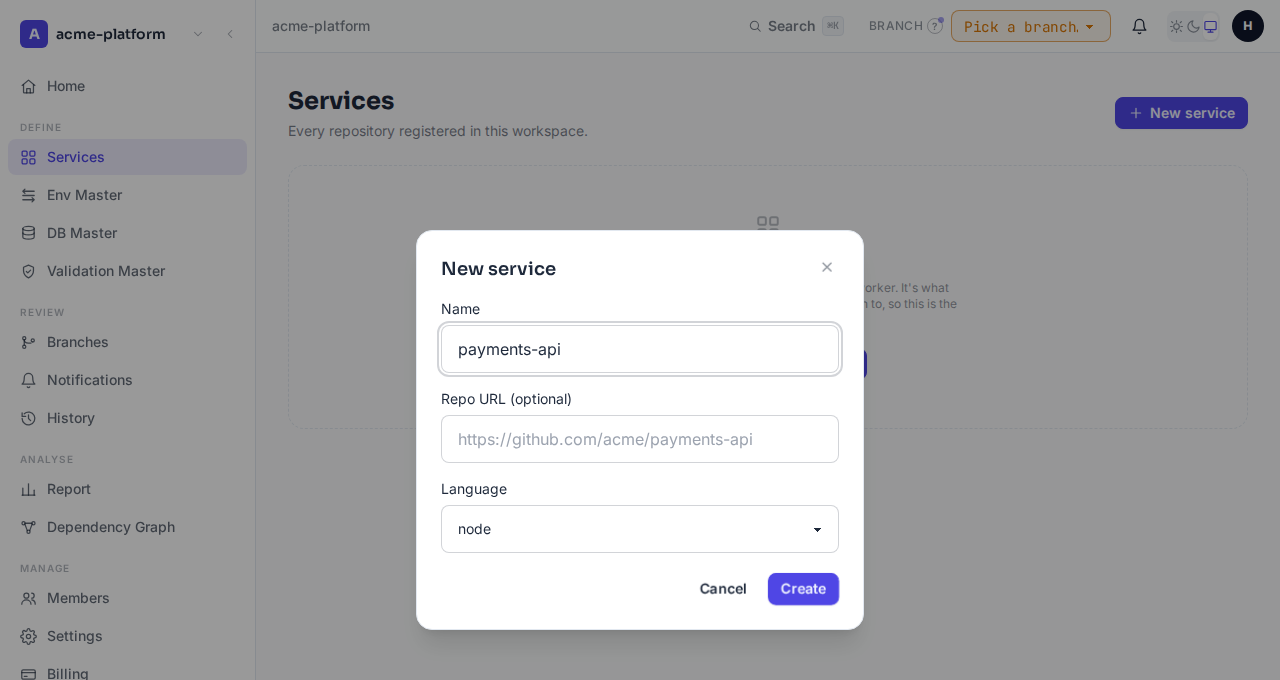
One entry per deployable — a repo, a language (PHP, Node, Python, Scala, React, Angular, or other), and an export format (shell, dotenv, or HOCON). This is the unit everything else attaches to. Already on GitHub? An Owner/Admin can connect the workspace once and import repos directly instead — each becomes a Service with its env keys pre-populated, processed through a daily import window.
NextWith at least one service, the Env Master, DB Master, and API tabs stop being empty shells.
Define your shared variables
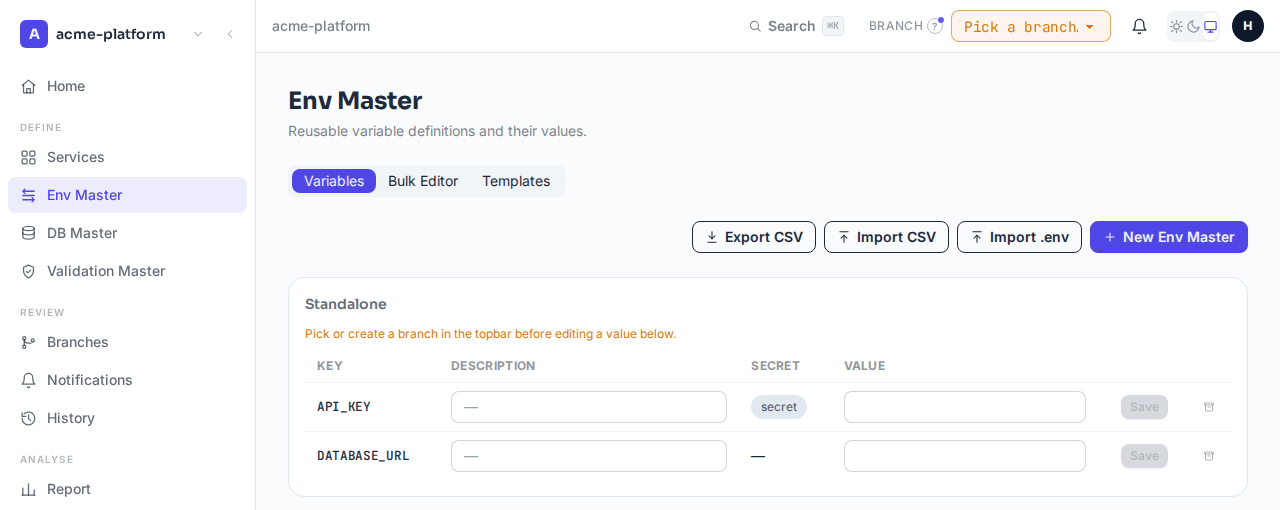
Open Env Master and add a key the way that fits: one at a time, imported from a system template (Postgres and Typeform ship pre-built), or pasted in bulk from an existing .env file. Each key's value lives on the workspace-level row — there's no more "different value per environment" to keep in sync by hand.
NextA key on its own does nothing yet — a service has to inherit it.
Inherit values into a service
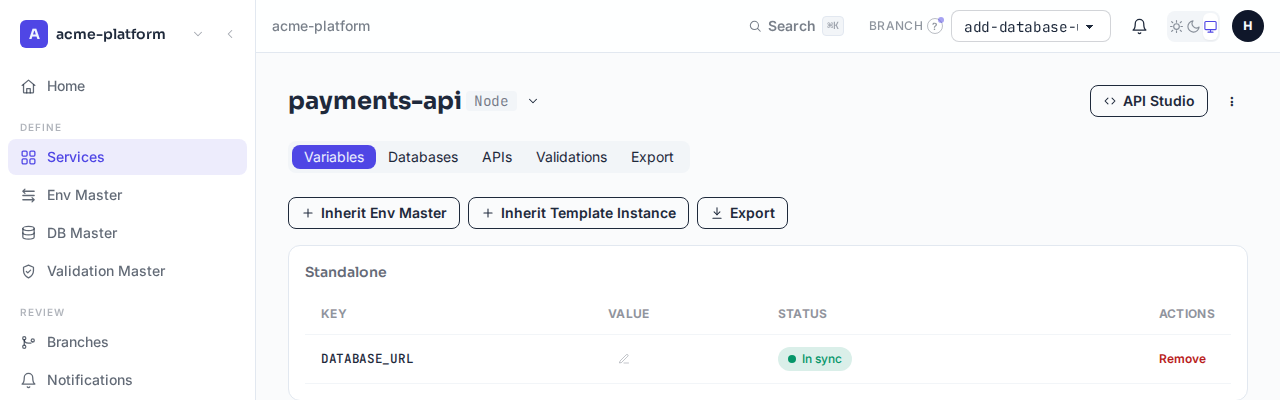
From a service's own page, attach an Env Master or a whole Template Instance. Attaching only needs membership; actually pulling in the real value needs edit permission on that service — a deliberate two-step gate so browsing what exists doesn't require the same trust as reading secrets.
NextThe service's export now resolves that key. Change it once, and every inheriting service needs to weigh in before the change is theirs.
Make your first change on a branch
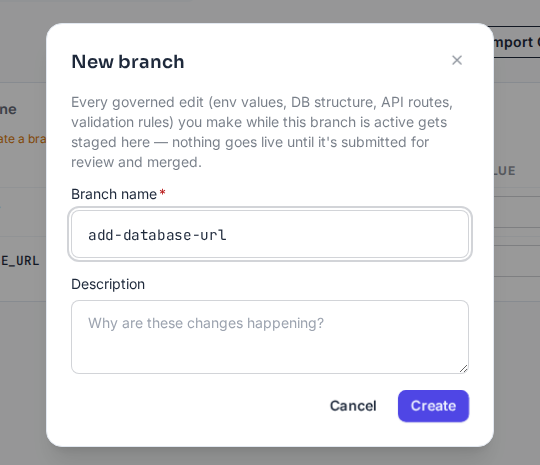
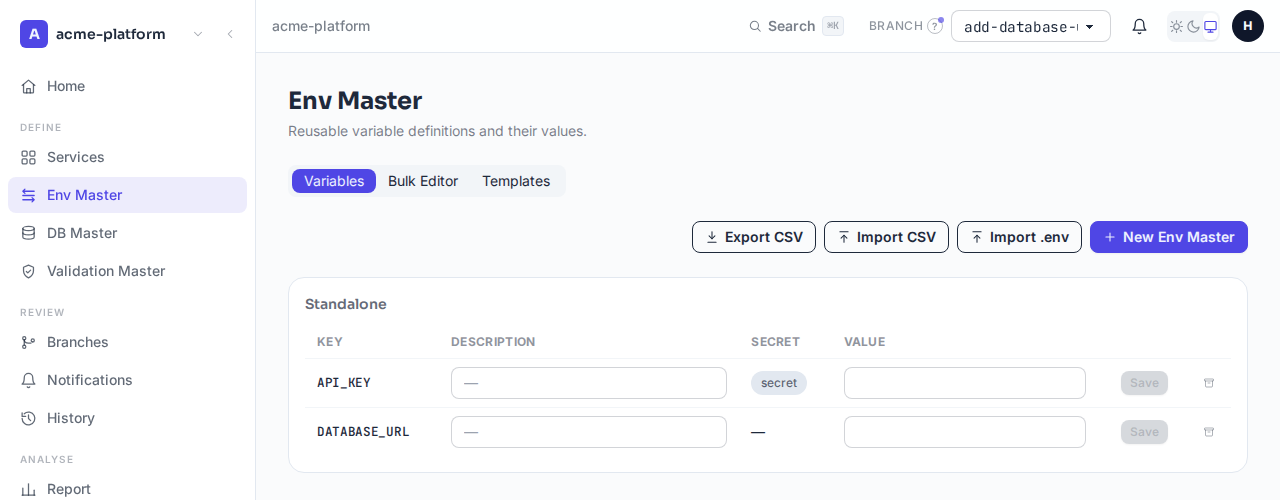
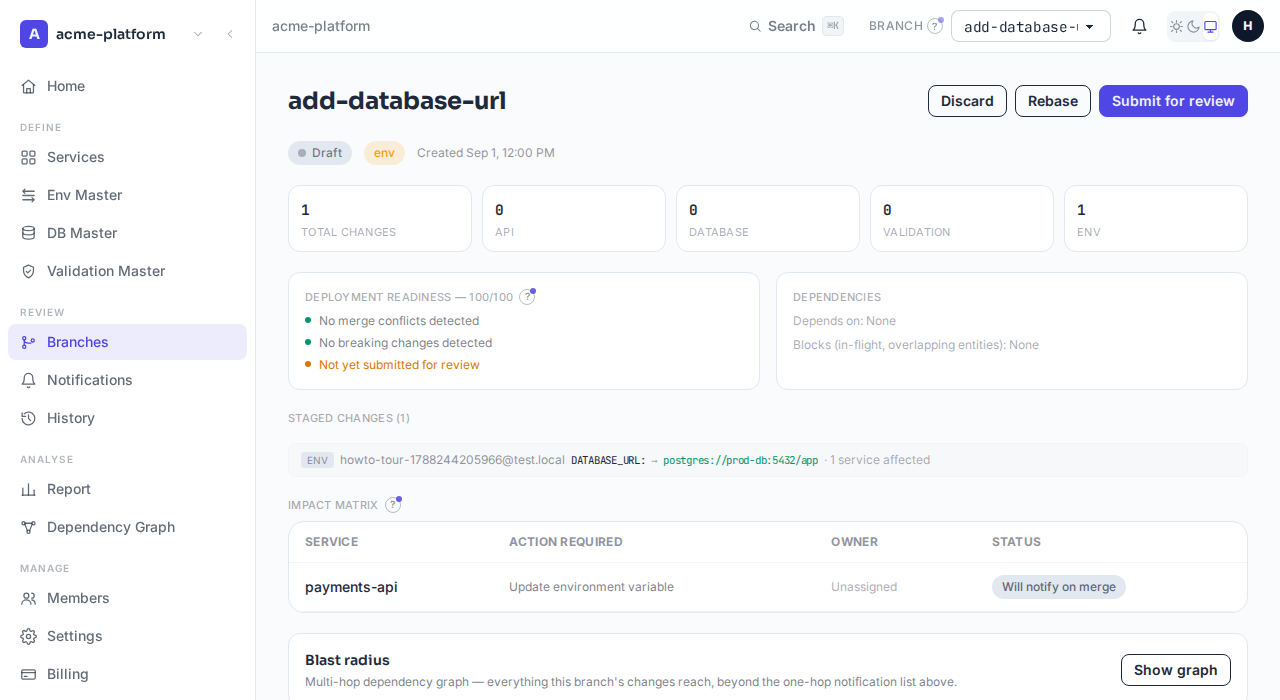
Pick or create a Branch from the topbar selector — it's active everywhere in the app from that point on. Now edit a value from any screen: Env Master, a service's own page, wherever. It doesn't apply. It stages as a change on that branch, exactly like a pull request diff, and a concurrent edit to the same value is caught as a conflict instead of silently overwritten.
NextNothing is live yet. The branch needs to be submitted.
Submit it, one person merges it
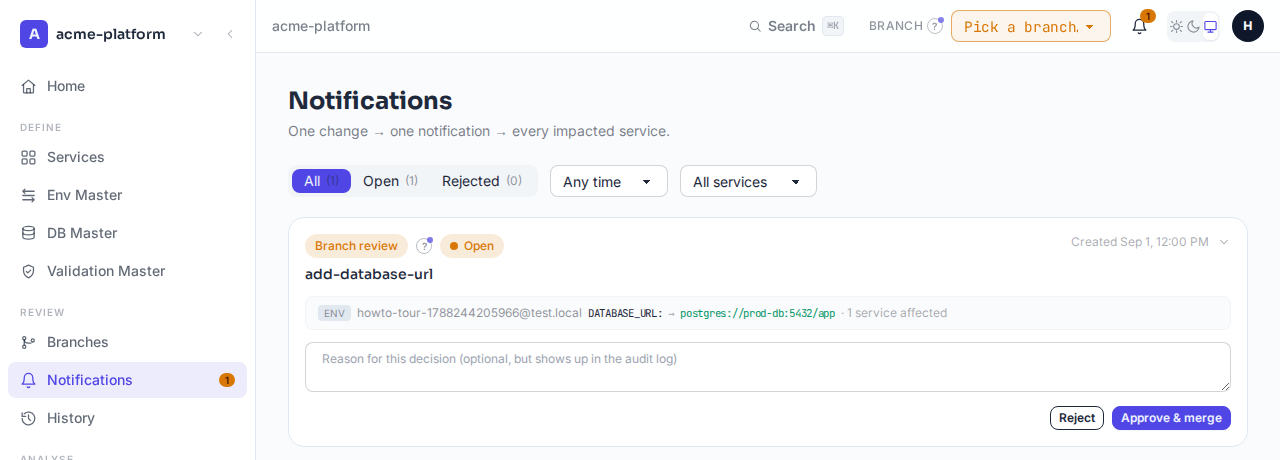
Submit the branch and every Owner/Admin gets a single review notification for the whole diff — readiness score, breaking-change flags, and a comment thread included. One deliberate merge, not an auto-apply.
NextMerging doesn't finish the job — it starts the per-service sign-off.
Each affected service approves or rejects
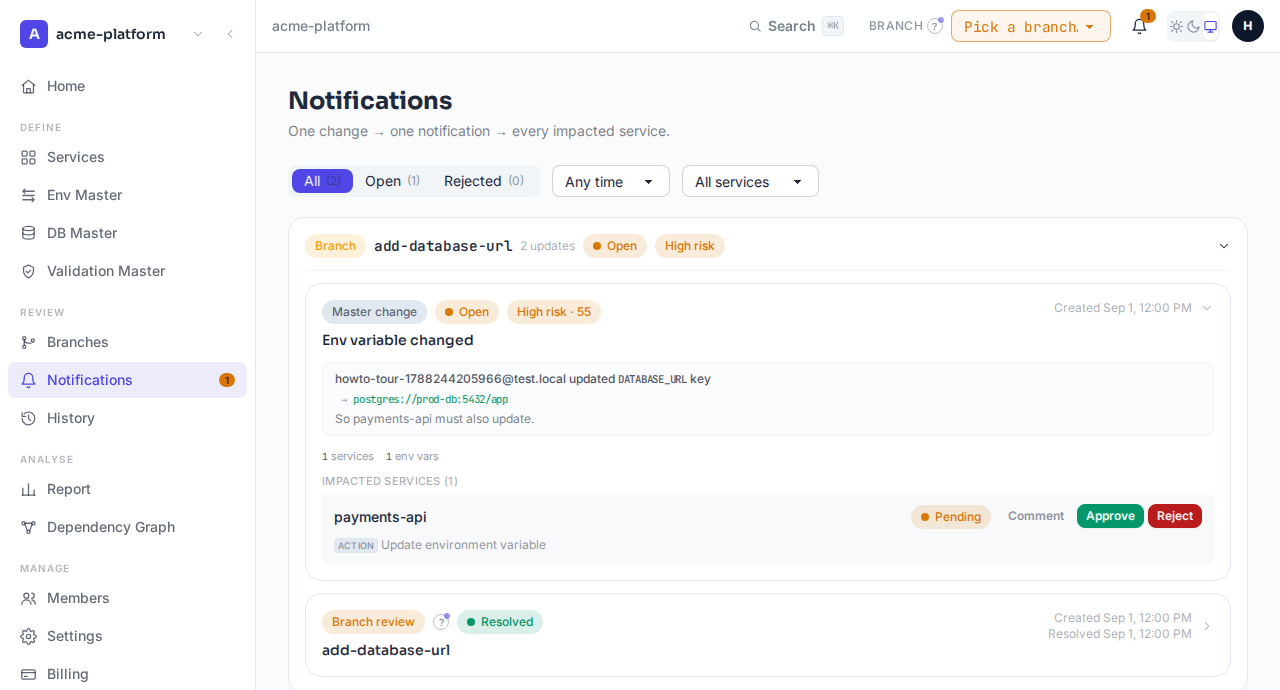
The merge fans out one notification per service that currently inherits what changed, each scored for risk (reach, breaking-change, secret exposure, governance gaps). A service approves and its export moves to the new value; it rejects and keeps serving the last value it actually said yes to. Nothing is forced on anyone.
NextOnce approved, the new value is live for that service — immediately, not on the next deploy.
Pull it into your service
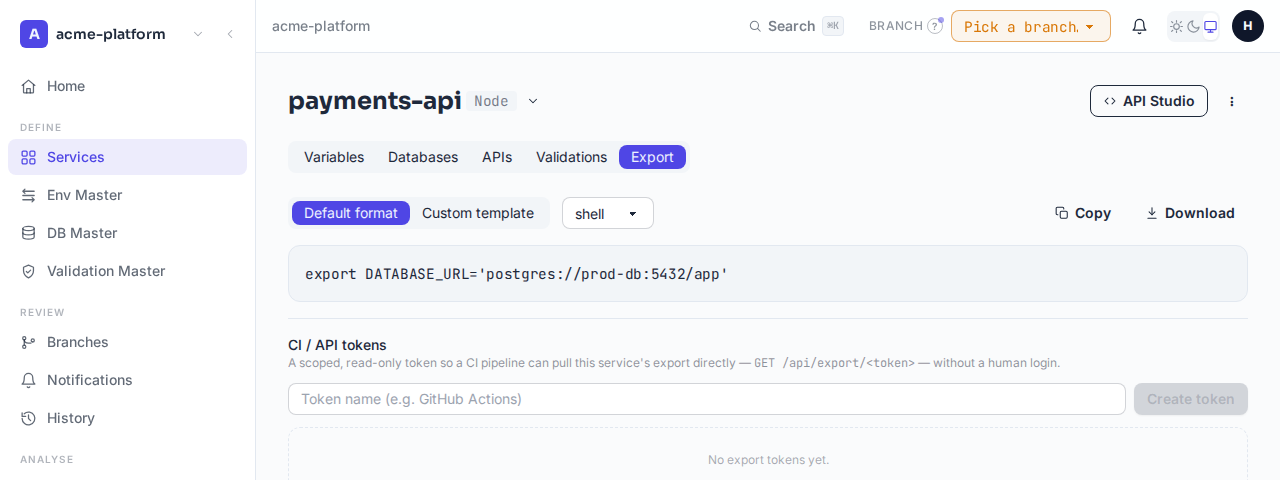
Export as shell, dotenv, HOCON, or a custom template with ${config.*} interpolation — from the UI, or headlessly with a scoped, revocable export token for CI. What comes back is always the value each service actually approved, cached and invalidated the instant anything it depends on changes.
NextYou've done the full loop once. Everything past here is the same pattern applied to more than variables.
How a shared variable actually resolves
One more piece worth understanding before you rely on it: a service's own local override always wins over the shared value, and only a value your service has explicitly approved — not just what the workspace currently holds — is what export actually returns.
Beyond env values: same pattern, three more domains
Once step 6–8 above feels familiar, the rest of the product isn't new material — it's the identical branch → review → per-service-approval loop, applied to structure instead of just values.
What to check next
Once your first change is live, these are the screens worth knowing exist — all reachable from the sidebar once you're inside a workspace.
Notifications
The governance inbox — every pending approval, grouped by branch and by entity, risk-scored.
Workspace Report
A weighted health score plus per-domain breakdowns, and a Health Checks tab that flags duplicate keys, orphaned structure, and broken references.
History
The searchable, append-only audit trail — every merge, approval, rejection, and override.
Dependency Graph
Every governed entity in the workspace and how they actually connect, derived live — not hand-maintained.
Members & permissions
Owner/Admin/Member roles, plus a per-service none/view/edit/service_admin grant for finer control.
Tickets & Feature Requests
Raise a support ticket with screenshots, or suggest and vote on what governance capability ships next.
Global Search
Ctrl+K searches every governed domain in the workspace at once — services, env values, DB structure, API routes, validation rules.
Ready to see it on your own workspace?
No password, no card required to start — log in with an email, create a workspace, and step 3 is one click away.